
Reports & analytics
RevNext Reports
Hotel reports computed live from your PMS data: occupancy, ADR and RevPAR, pickup and booking pace, channel mix, GST working, payments and aged balances. Run them for one property or all of them, and download any report as CSV.
The screens
Reports, screen by screen
What it does
What Reports does
Occupancy, pace, channel mix, GST and collections, computed live.
Performance
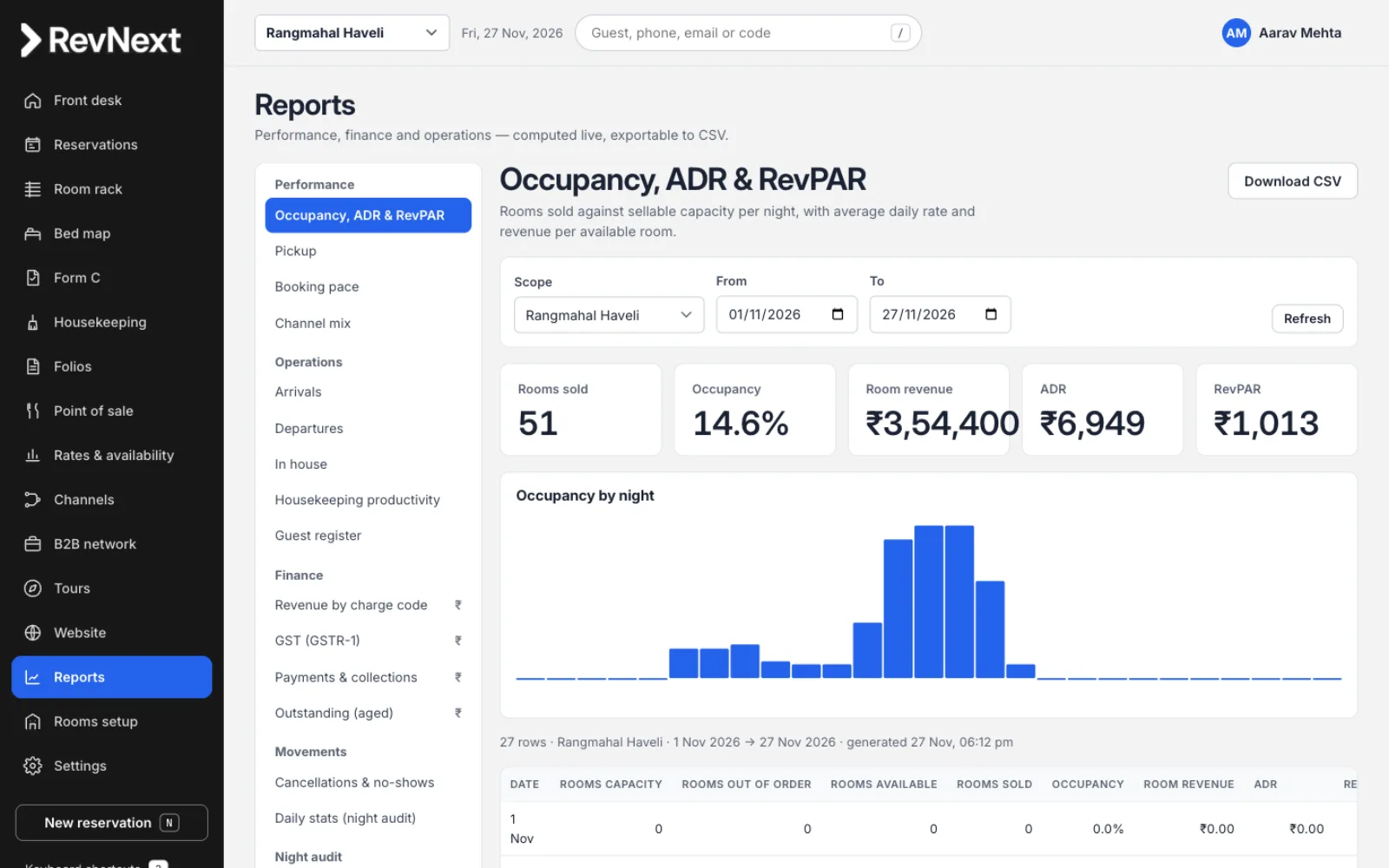
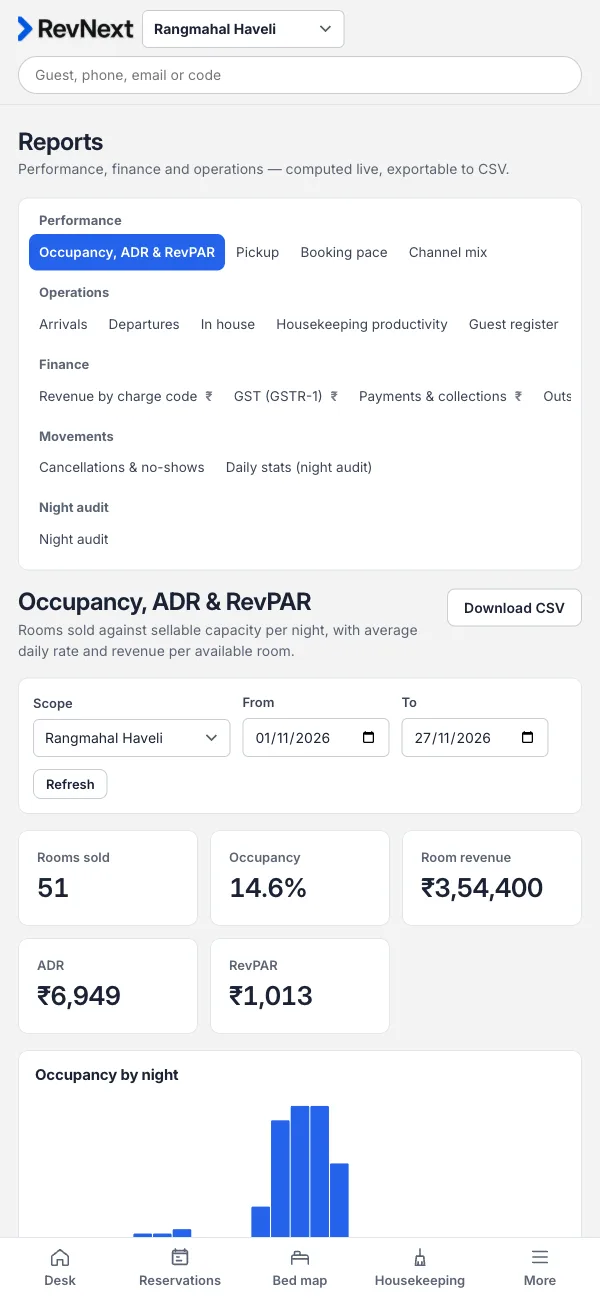
- Occupancy, ADR and RevPAR per night, against sellable rooms
- Pickup: rooms and revenue on the books now against an earlier date
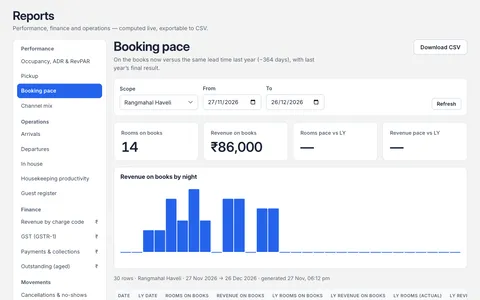
- Booking pace: on the books now against the same lead time last year
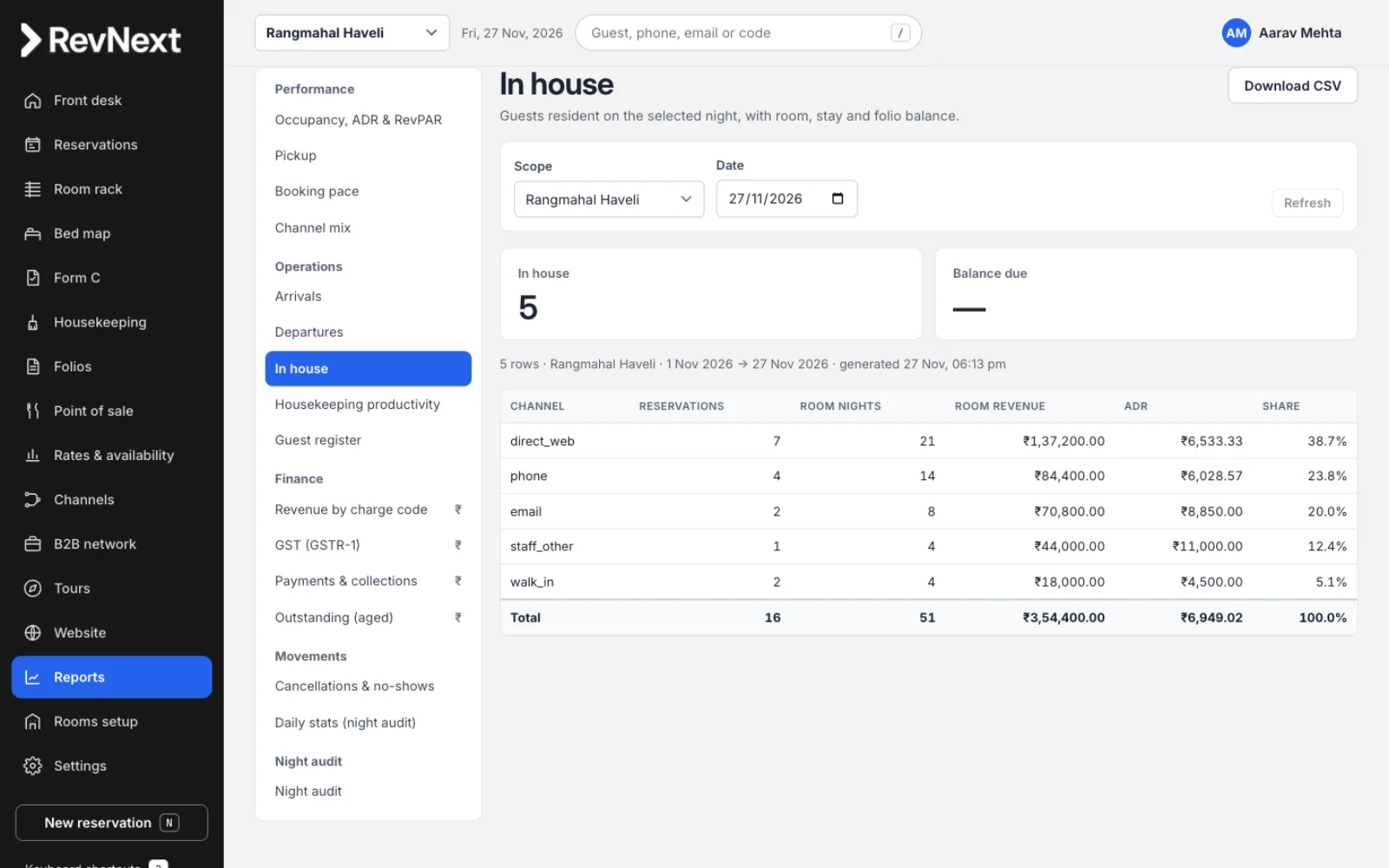
- Channel mix: reservations, room nights, revenue and share per booking source
Finance
- Revenue by charge code, with CGST, SGST and IGST
- GSTR-1 working: HSN/SAC summary, B2B invoices by GSTIN, B2C small by place of supply
- Payments and collections by date and payment method
- Outstanding balances, aged in-house, 0-30, 31-60, 61-90 and 90+ days
- Finance reports are shown only to staff with finance access
Operations
- Arrivals, departures and in-house guests for a date, with room and folio balance
- Housekeeping productivity per person
- Guest register, with a foreign-guests-only view
- Cancellations and no-shows, with lead time and source
- Daily stats saved by each night audit
Using them
- Stat tiles and a chart above every report table
- One property, or every property on the account
- Download any report as CSV
- Excel and PDF files and scheduled reports by email are built in the RevNext API, but there is no screen for them in the app yet
Price
What Reports costs
Launch offer: 50% off your first 12 months for new customers who sign up by 15 Feb 2027: ₹499.50 a month plus GST, then ₹999. Yearly plans get the same discount on the first year.
Launch offer: 50% off your first 12 months. New customers, sign-ups until 15 Feb 2027.Offer terms
Monthly
₹499.50a month + GSTregular price ₹999
For your first 12 months, then ₹999 a month + GST
Billed each month. Cancel any time; it takes effect at the end of the month you have paid for.
Yearly, 2 months free
₹4,995first year + GSTregular price ₹9,990
₹5,894.10 for the first year including 18% GST, then ₹11,788.20 a year
- Billed once a year in advance, and renews each year unless you cancel.
- Cancel any time from Settings → Billing in the app or by emailing billing@revnext.in. It takes effect at the end of the year you have paid for, and you are not billed again.
- 14-day refund on annual plans. Onboarding support included; migration or custom work beyond it is quoted separately.
One platform
Works with the rest of RevNext
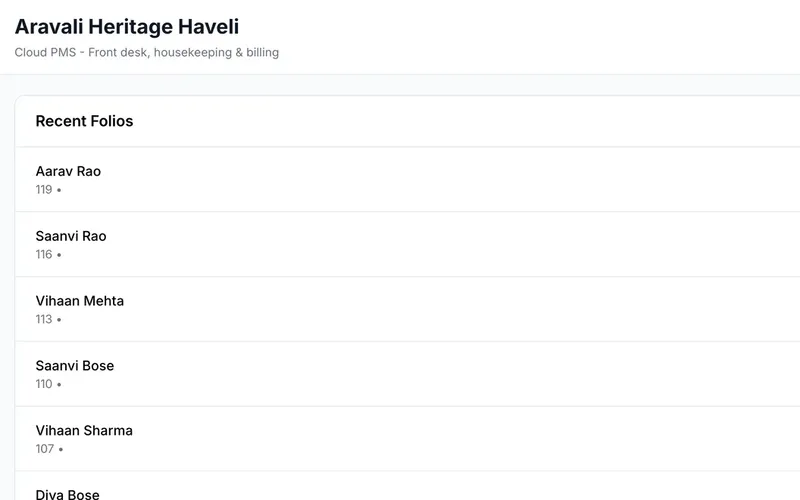
RevNext products share one login and one set of property data, so you can start with one and add more later.
Questions
Questions about Reports
Where does the report data come from?
Can I export the reports?
Does RevNext file my GST return?
Can I see all my properties together?
About this page
Written by Shaurya Verma, content editor. Published , last updated .
How we checked: every feature on this page was checked against the code of the RevNext app that runs at pms.revnext.in on 27 November 2026, and anything not built yet is said so. The screenshots are the real app with fictional demo properties, guests and amounts. Prices come from the same plan catalogue that checkout charges.
See Reports in action
Tell us about the property and we will walk you through the screens. We reply within one working day.